
|
|
Move "mouse" over thumbnail to change
|
WORK IN PROGRESS
Start scoring program
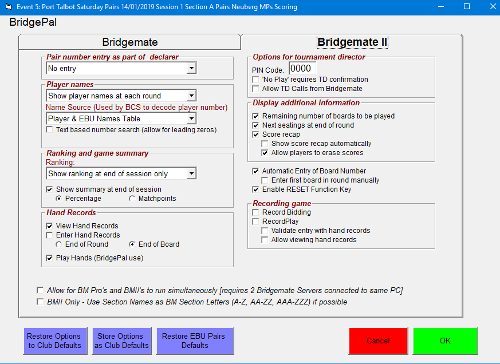
Enter event details
Load/Import hand records (optional)
Define movement
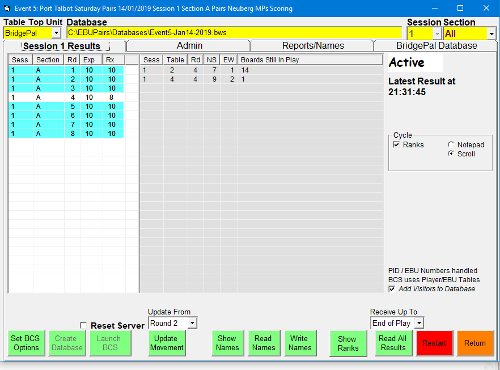
Start wireless scoring
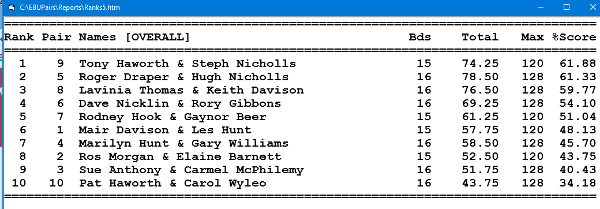
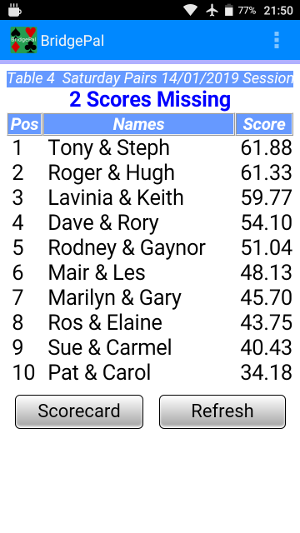
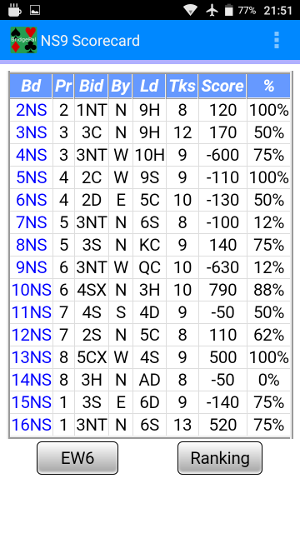
At the end ranking list may be displayed
When everybody has stopped looking at the results, exit event in the scoring program and stop BridgePal server if necessary (some scoring programs will stop BridgePal server on event exit).
This will stop wireless scoring.
To upload the results to the website or NBO if any, re-open the event but do not restart wireless scoring.
Go to the results page and upload to the website /NBO as appropriate to the scoring program
This page demonstrates scoring an event using BridgePal and Pairsscorer
|
|
|
|