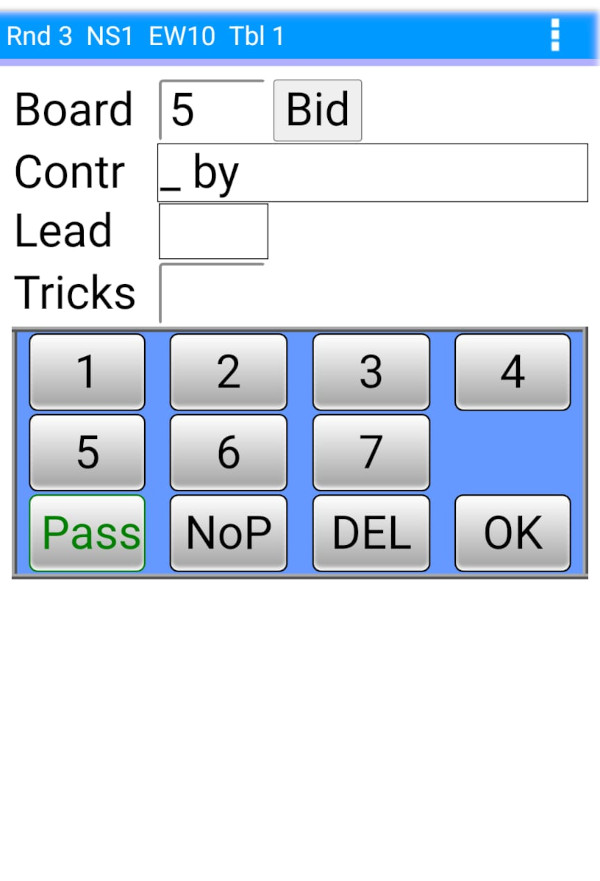
If the director has enabled entry of bidding in BridgePal Server, the 'Bid' button is displayed on the contract entry screen. Four different types of bidding entry, can be selected by the director -
- North Enters All Four Players Bids - as shown here
 |
>>> |
 |
>>> |
 |
>>> |
 |
Enter contract with bidding.
Click on 'Bid' |
|
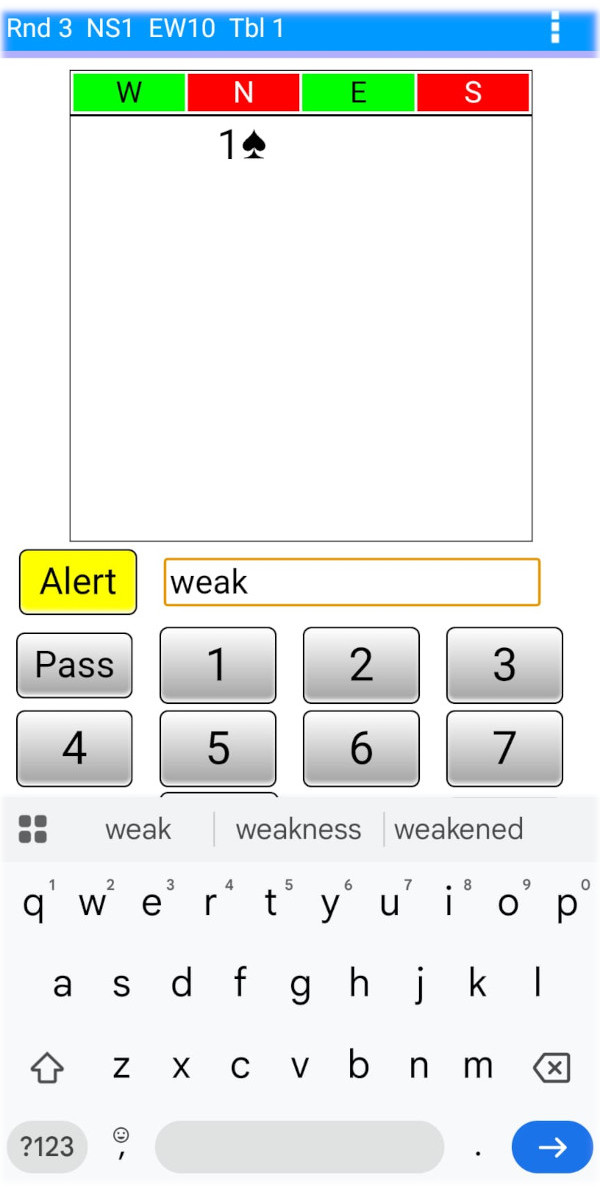
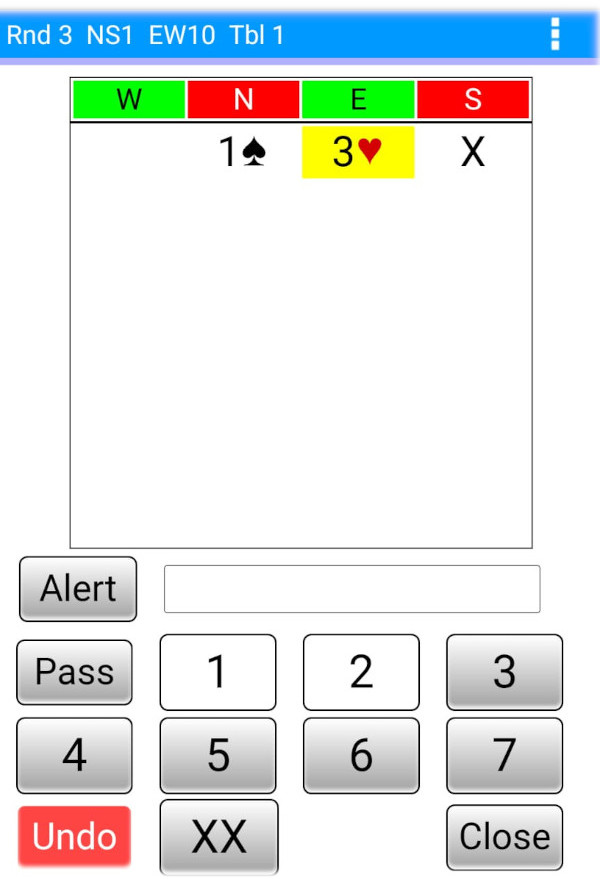
Enter bidding, alert first then 3♥
Close=all pass
(You need BridgePal app 1.5.11 to enter alert text) |
|
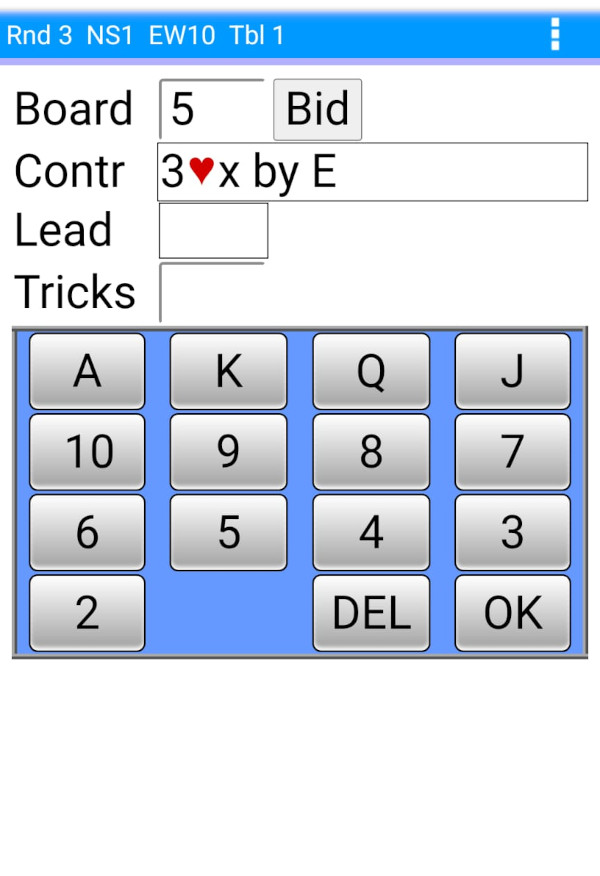
After Enter bidding.
Complete the contract entry... lead card etc |
- All Bid around the table (use own phones) – all players around the table bid using their phones, which they take from table to table. This requires E,S,W players to be logged into Event Tracker. Log in just with player ID but with or without the pin. If logged in with your pin you can do bidding as well as have other Event Tracker functionality. If logged in without the pin, you can do bidding and view the movement and ranking, but you will not be allowed to see the scorecard or travellers.
- North Selects Entry Mode – either 1 or 2. North chooses which of the above mode is used on a board by board basis.
- Use Stationary Tablets – bidding is done on the tablets which stay on the table. This is intended for use in events where electronic bidding is required and there are sufficient tablets available to allow 4 tablets to be allocated to each table. This type of bidding has to be used on all tables where bidding is recorded, i.e. no other types of bidding (1 or 2) are allowed in the same event.
If this mode is selected in BridgePal Server then on the "Enter Table" screen the tablets will display a dropdown box allowing the direction (North,South,East,West) to be selected in addition to the table number. The default selection is North, in which case the tablet will function as the scoring BridgePal for the table. Choosing one of the other three directions sets the tablet into the electronic bidding mode. "Stationary Tablets" is an alternative mode to using Event Tracker on players own phones for electronic bidding. It is not possible to mix the two bidding modes within the same event, though players can still use Event Tracker on their own phones to view the guide card etc.
|
|
|
|