 |
>>>
OK |
 |
>>>
OK |
 |
>>>
OK
<<<
Back |
 |
>>>
OK |
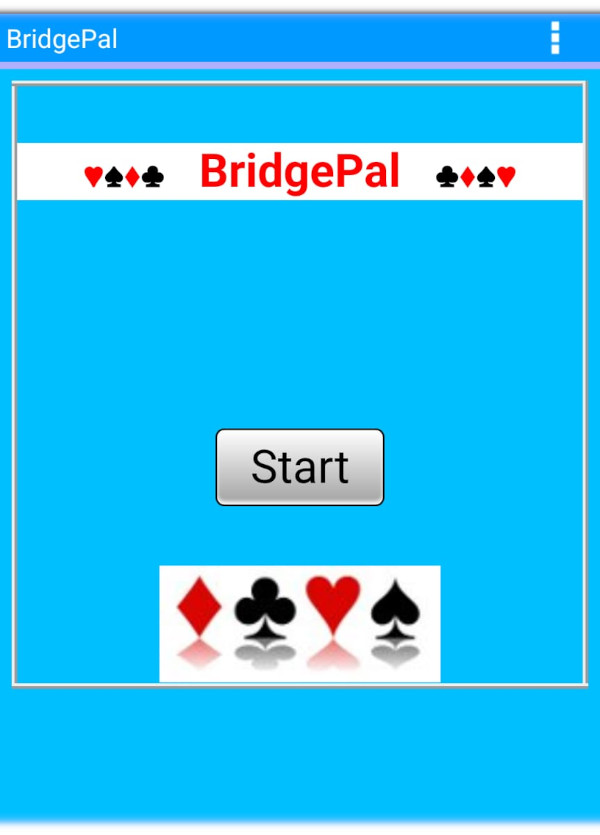
| Welcome |
|
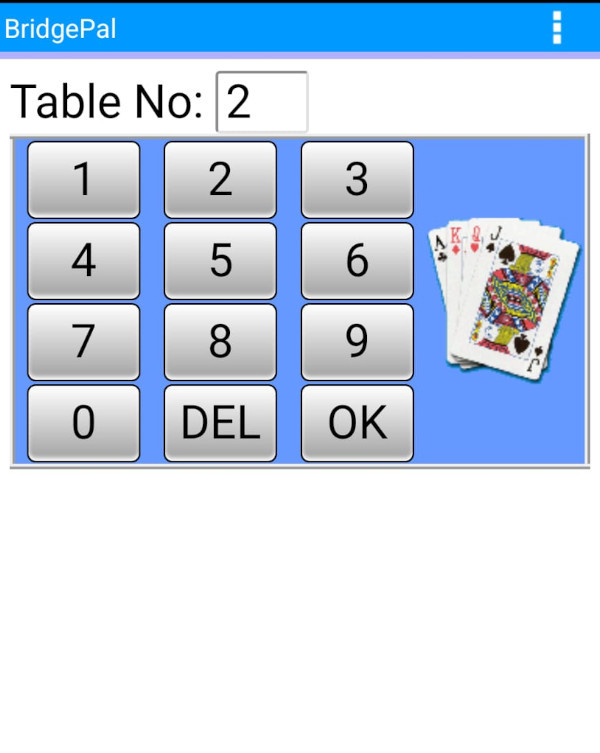
Enter Table Number |
|
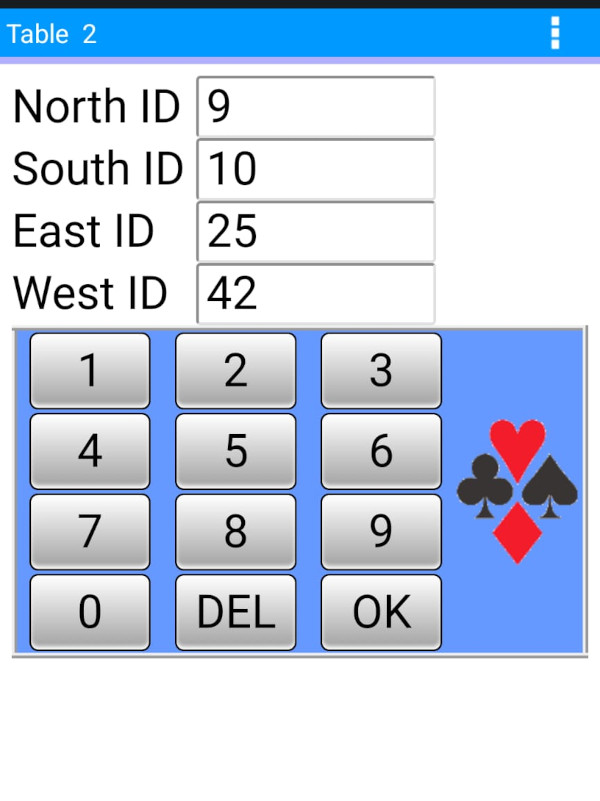
Enter Player IDs |
|
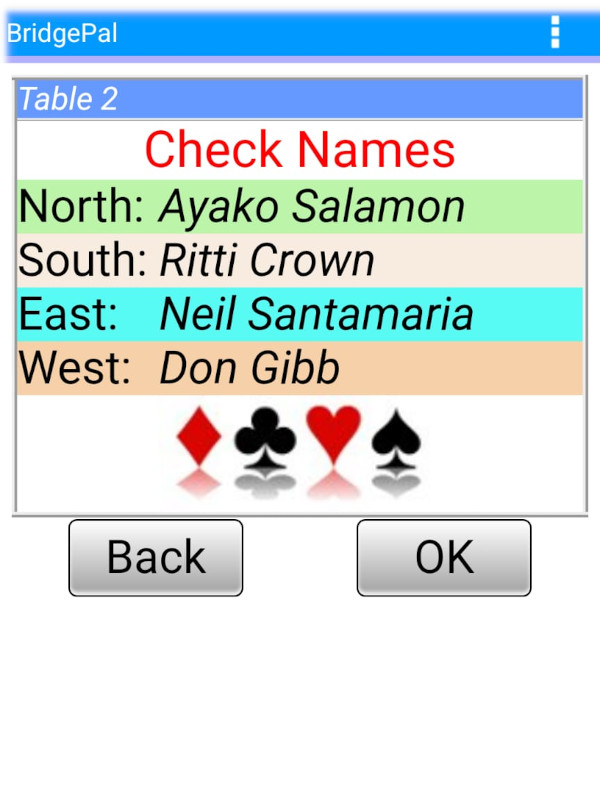
Check Names |
Enter the table number, select OK, and then input player IDs or NBO numbers as directed by the tournament director. Tap on OK after each number is entered in order to move from field to field sequentially. Alternatively tap on a particular field in order to input the number for this player. At any point an incorrect entry can be cleared by using the DEL key. Click OK again to verify that all names on the Check Names screen are accurate. After confirming, select OK once more to begin play. Additional information is provided in the next section.
What can go wrong here? If you realise you entered an incorrect table number after clicking OK, call the director. The director will use the Reset Table function on your BridgePal, allowing you to restart the process.
If you attempt to enter your correct table number and receive an alert that it is already in use, call the director again. The director will use the Acquire Table function to disconnect the other table and allow entry of your table number. The player ID screen may display pre-filled numbers from the previous table; these can be edited before proceeding. If OK is selected before making edits, the names from the other table will appear. In such cases, the director may wish to inform the affected players about the disconnection. They can also check this themselves by selecting Refresh in the app menu, as they will see the Welcome screen upon their next use.
Regarding entering Player IDs, if a number is not known, leave the field blank; it can be added or corrected later on the Round screen. You can navigate between the "Enter Player IDs" and "Check Names" screens until the information is correct. When the names are verified, click OK on the Check Names screen to continue playing.
|